Do you install / setup the BMPro ProSmart?
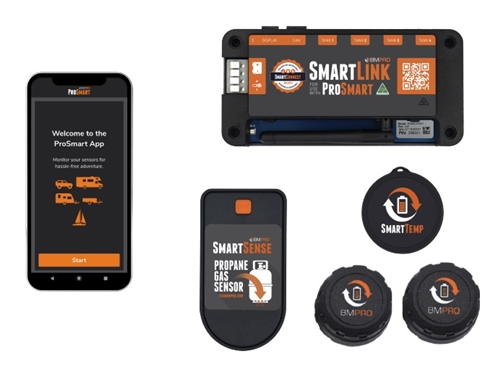
BMPRO ProSmart Standard RV Bluetooth Monitoring System
Doran Tire Monitor
My BMPro stopped working and I think all nodes are used. I do not know how to free up nodes and/or reset the Master Node system.
Question ID: 6395168 Status:
Open Oct 25, 2025 - 08:39 AM
1answer
Answer
Oct 25, 2025 - 09:04 AM
Clean start (recommended since your unit stopped working)
-
Clear the Node’s mobile connection hold the smartlink button for 10-seconds.
-
In the app, unpair all stale sensors via Settings → Unpair sensors (trash any that shouldn’t be there).
-
Pair your phone to the SmartLink again.
-
Add sensors back one by one, confirming each shows live data before adding the next (LP, temps, water, TPMS, etc.). If a sensor won’t pair, check/replace its battery and try again.
Answer this question
View More Product Details
View all Doran Tire Monitor Questions & Answers
View all BMPRO ProSmart Standard RV Bluetooth Monitoring System Questions & Answers
Share Your Own Experience & Expertise
We look to ensure that every question is answered by the best people with relevant expertise and experience, the best answers include multiple perspectives. Do you have relevant expertise or experience to contribute your answer to any of these commonly asked questions?





Add New Comment