
Answer
Oct 19, 2025 - 03:17 PM
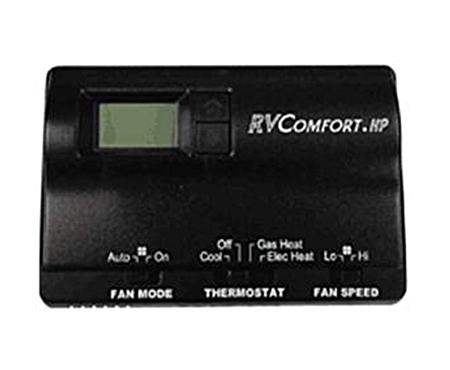
Here’s how to set the HEAT temperature on a Coleman-Mach 8530-3381 digital heat pump RV thermostat (wall keypad style):
-
Wake it up
-
Press any key to light the display.
-
Select the zone (if multi-zone)
-
Press ZONE until the desired zone shows.
-
Choose the heat mode
-
Press MODE repeatedly until the screen shows HEAT PUMP (or ELEC HEAT / GAS HEAT if you’re using electric strip or furnace instead).
-
If your coach has a heat pump, pick HEAT PUMP.
-
If outside temps are too low for the heat pump (typically < ~40°F), use GAS HEAT (furnace) or ELEC HEAT if equipped.
-
-
Set the temperature
-
Use ▲ (up) or ▼ (down) to set the desired SET TEMP. The display will show the setpoint; after a few seconds it returns to room temp readout.
-
Fan setting (important for heat pump)
-
Press FAN to choose AUTO (recommended) or LOW/HIGH (continuous fan).
-
AUTO cycles the fan only when heating.
-
-
Let it run
-
The system has short built-in delays (anti-short-cycle). Give it a couple of minutes to start.
-
Fine-tune
-
If the temp overshoots, nudge the setpoint a degree or two. Thermostat typically controls to about ±1–2°F.
Common gotchas
-
If you only see COOL / FAN / OFF and not HEAT, either the thermostat isn’t seeing a heat source (heat pump/furnace not detected), 12V control power is missing, or DIP switch/config isn’t set for heat.
-
Heat pump won’t engage if an aux heat lockout or low outdoor temp sensor says it’s too cold; switch to GAS HEAT.




Add New Comment